
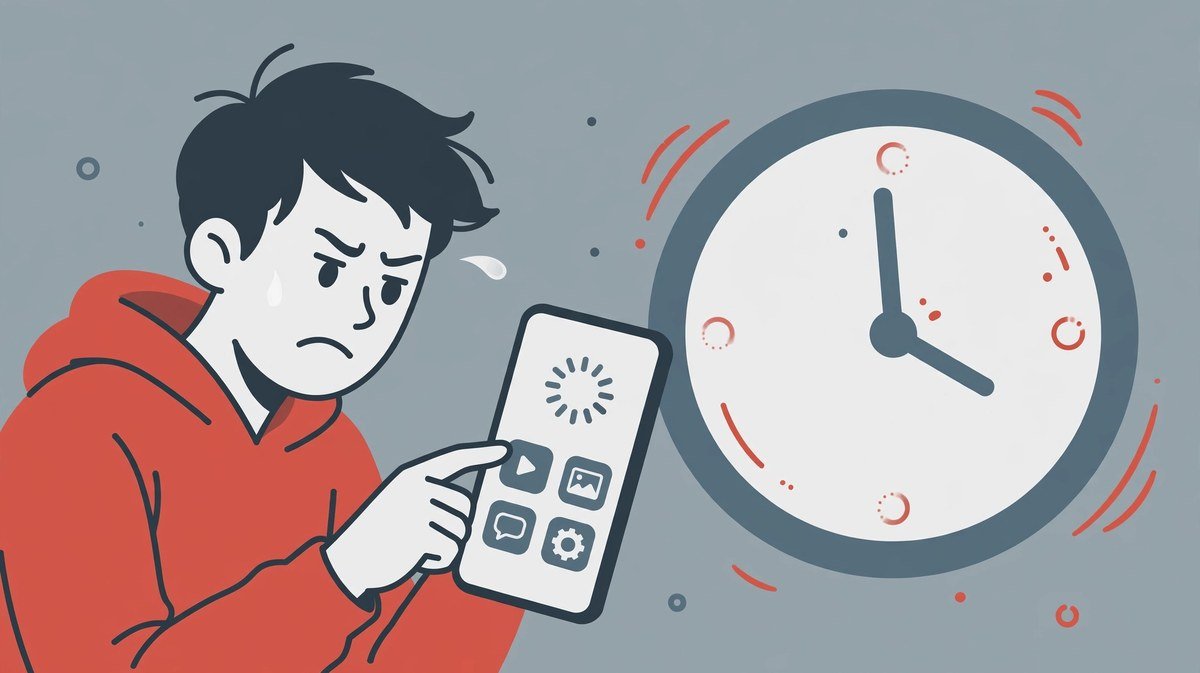
Your phone used to fly. Now apps hesitate before they open, the keyboard lags behind your typing, and switching between two apps feels like waking both of them from a nap. If you keep asking why is my phone so slow, you are dealing with the most common complaint in all of smartphones, and the encouraging part is this: a slow phone is almost never a mystery. Something specific changed, and it can usually be found and fixed.
This guide works through the causes in the order you should check them: free checks first, one culprit at a time, and the drastic options last where they belong.
Why Is My Phone So Slow? Start With 60 Seconds of Triage
Before changing anything, answer one question: when did it get slow?
Right after an update: the phone is probably still finishing background work from the installation. Give it a day or two before judging, and read the update section below.
Right after installing new apps: one of the newcomers is the prime suspect, and there is a clean test for it (Safe mode, covered in the app section).
Gradually, over months: this is the ageing pattern: storage filling up, background load creeping higher, and possibly a battery that can no longer feed the processor properly.
Then do the one free thing that fixes a surprising share of slow phones: restart it. A phone that has run for weeks accumulates stuck processes and memory pressure, and a restart clears both in a minute. If it feels fast again for a few days and then slows back down, that pattern itself is a clue: something on the phone is building the problem back up, and the sections below will find it.
Why Is My Phone So Slow? Cause 1: Storage Is Nearly Full
A phone with almost no free space is a slow phone, full stop. The system needs working room to shuffle files, cache app data, and install updates, and when storage is nearly full, all of that gets slower. As a working rule, keep at least 10 to 15 percent of your storage free.
Check where you stand in Settings > Storage (Android) or Settings > General > iPhone Storage. The biggest wins are usually videos, downloads you forgot about, and apps you have not opened in a year. Photos and videos you want to keep belong in cloud storage or on a computer, not in a chokehold on your phone.
One warning: sometimes the storage screen claims the phone is full while your own files plainly do not add up to that. That specific fault, where system and cached data quietly eat the difference, is common enough that it gets its own treatment in our troubleshooting guides. That fault now has its own full guide: phone storage full but nothing on it shows exactly where the missing space hides.
Cause 2: One App Is Hogging Everything
A single badly behaved app can eat processor time, memory, and battery in the background until the whole phone feels tired. The clue is timing: if the slowdown arrived with a new app, or got worse around the time one updated, start there.
On Android, Safe mode is the cleanest test available. It runs the phone with only the built-in apps, so if the phone feels fast in Safe mode and slow in normal mode, a downloaded app is guilty, and the work becomes removing recent suspects one at a time until the speed returns. We walked through this exact process, step by step, in our guide to an Android phone that turned slow after installing new apps.
On iPhone, there is no Safe mode, but the battery screen does similar detective work: an app with huge background activity is often the same app draining your processor. Cross-check Settings > Battery when the slowdown and the drain arrive together, which they frequently do.
Cause 3: The Update Hangover
Major updates make phones do days of housekeeping: re-indexing photos and files, re-optimising apps, and rebuilding caches. During that window the phone can feel sluggish and warm, and it is not broken, it is busy.
The same period hits the battery, which is why we covered the twin problem in our guide to battery draining after a software update. The short version applies to both: restart once, leave the phone plugged in on Wi-Fi overnight so the work finishes, update all your apps for the new system, and only call it a fault if you are still suffering after about three days. If the lag itself is your main symptom, our guide to a phone lagging after a software update gives it the full timeline and tests.
Cause 4: Too Much Running in the Background
Every phone slowly accumulates background load: social apps syncing, widgets refreshing, live wallpapers animating, assistants listening, and a dozen services checking in. Individually, each one is nothing. Together, on a phone a few years old, they are the difference between snappy and sluggish.
You do not need to wage war on all of it. Reduce the obvious weight: switch a live wallpaper for a still photo, remove home-screen widgets you never look at, and restrict background activity for the apps your battery screen shows working hardest when you are not using them. The goal is a phone whose idle state is actually idle. For the full walkthrough, see our guide to how to stop apps running in the background on Android, including the Samsung and Xiaomi settings.

Why Is My Phone So Slow? Cause 5: An Old Battery Slowing the Processor
This is the cause almost nobody mentions, and on older phones it is often the real one. As a battery wears out, it struggles to deliver peak power. To protect itself from sudden shutdowns, the phone deliberately slows the processor down. iPhones make this visible: if your battery health has fallen significantly, the system may say so under Settings > Battery > Battery Health & Charging, and a battery replacement can restore the original speed along with the battery life.
The symptoms travel together: a phone that is slow AND drains fast AND is two or three years old is usually telling one story, not three. Our complete guide to why a phone battery is draining so fast covers how to check battery health on both platforms and when replacement is worth the money. On a worn battery, no amount of cache-clearing will give you your old phone back, because the bottleneck is hardware.
Cause 6: Animations Making It Feel Even Slower
Some slowness is real, and some is presentation. Long interface animations make a mid-range phone feel lazier than it is. On Android, the Developer options menu lets you reduce the three animation scales to 0.5x, which makes everything feel noticeably snappier without making the phone actually faster. On iPhone, Settings > Accessibility > Motion > Reduce Motion does a similar job. Think of it as the finishing touch, not the fix.
Why Is My Phone So Slow? The Fixes, in the Order to Try Them
- Restart the phone.
- Check storage; get free space back above 10 percent.
- Identify the culprit app (Safe mode on Android, battery screen on both) and update, restrict, or remove it.
- Install pending system and app updates.
- Trim background load: widgets, live wallpaper, heavy sync apps.
- Check battery health; replace the battery if it is worn.
- Factory reset, only with a full backup, and only when everything above has failed.

When Software Fixes Are Not Enough
Honesty matters here: a five-year-old budget phone with little memory will never feel like a new flagship, no matter how clean you keep it. Apps genuinely get heavier every year, and hardware does not. If your phone is fully updated, has free storage, a healthy battery, and still struggles with basic apps, the limitation is the phone itself, and your money is better spent on a replacement than on repair shops promising miracles.
What you should not do is install cleaner or booster apps that promise one-tap speed. At best they clear caches your phone rebuilds within days; at worst they add their own background load and advertising to the problem they claim to solve.
Frequently Asked Questions
Why is my phone so slow all of a sudden?
Sudden slowness usually follows a change: a system update still settling, a new or updated app misbehaving, or storage crossing the nearly-full line. The triage at the top of this guide routes you to the right section based on timing.
Does clearing the cache make my phone faster?
It can help when one app’s cache has grown bloated or corrupt, and it is harmless because apps rebuild cache as needed. As a general speed ritual, though, it does little: a repeatedly slow phone has a cause from the list above, not a cache problem. Our guide on how to clear cache on Android shows the safe way to do it, per app and at system level.
Can a virus make my phone slow?
On Android, yes: a rogue app running constantly in the background produces exactly these symptoms. Warning signs are apps you never installed, pop-ups outside the browser, and heat or drain with no explanation. Remove suspicious apps and run a Play Protect scan.
Will a factory reset make my phone fast again?
If the slowness is software, usually yes, at least at first. But if the cause is a worn battery or ageing hardware, the reset changes nothing for long, which is why it sits last on the list rather than first.
How much free storage does a phone need to stay fast?
Aim for at least 10 to 15 percent free. Below that, updates fail, caches squeeze, and everyday tasks slow down, on both Android and iPhone.
The Bottom Line
When a phone is so slow it frustrates you daily, the cause is almost always findable: full storage, one greedy app, an update still settling, a pile of background load, or a battery quietly throttling the processor. Triage by timing, work the fixes in order, and reserve the factory reset, and the new-phone thoughts, for when the list is genuinely exhausted.
2 thoughts on “Why Is My Phone So Slow? The Complete Fix Guide”