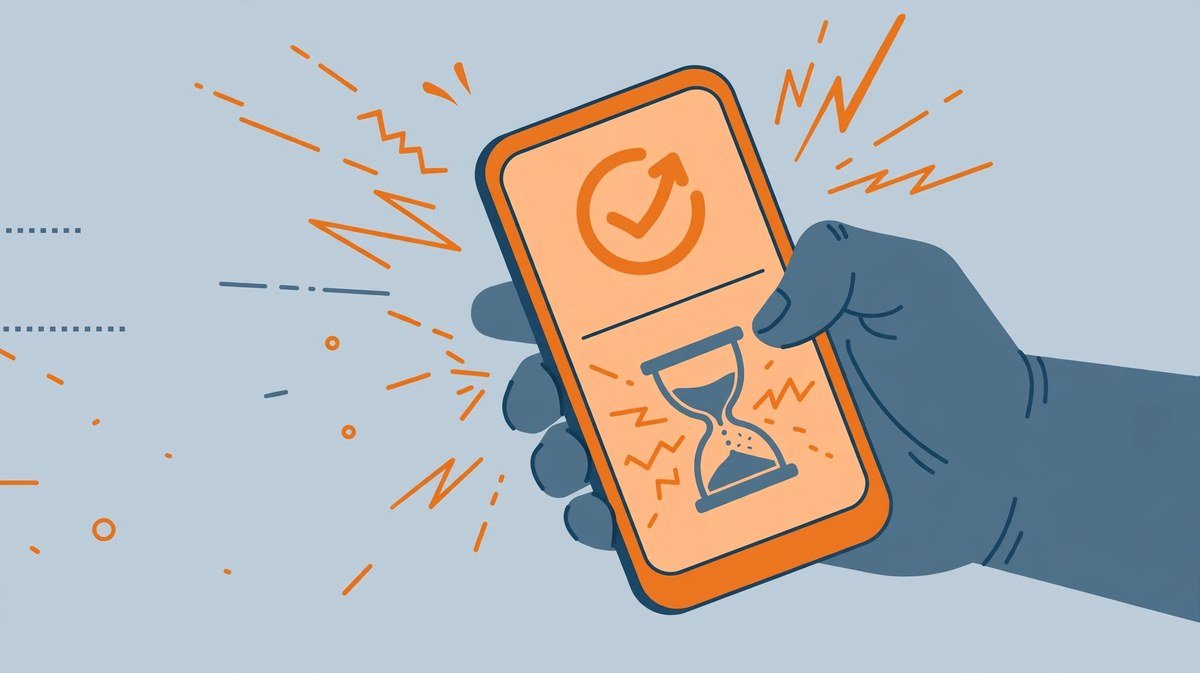
The update promised a faster, smarter phone. What you got was a phone that pauses before opening the camera, stutters through menus, and types half a second behind your fingers. Phone lagging after update day is one of the most frustrating phone problems there is, partly because everyone gives you the same useless advice: wait.
Waiting is sometimes the answer. But not always, and not forever. This guide gives you the part the others skip: how long waiting is actually reasonable, a simple test that tells you whether the phone is still settling or genuinely has a fault, and the fixes that matter once waiting stops being one of them.
Why Your Phone Feels Slower Right After an Update
An update does not just swap a few files. For the next day or two, your phone is doing the heaviest housekeeping of its life, mostly in the background:
It re-indexes your photos, files, and messages so search works with the new system. It recompiles every app to run efficiently under the new version. The caches get rebuilt too, since the update deliberately threw the old ones away. And it does all of this while you are also trying to use the phone, which is exactly why the lag feels worst in the first 24 hours.
None of this is damage. It is a workload. The question that matters is not whether the phone is working hard after an update, it is whether it ever stops.
The Timeline: How Long You Should Actually Wait
Here is a realistic timeline, because "wait a bit" is too vague to act on:
The first 24 hours: heavy lag is normal, especially on a phone with years of photos. Warmth is normal too. Judge nothing yet.
Days two and three: the lag should be visibly easing. Apps still open a touch slower than you remember, but the trend points the right way. Most phones finish the bulk of their background work inside this window, particularly if they spent a night plugged in and on Wi-Fi.
After three days: if the phone lags the same on day four as it did on day one, stop waiting. Settling does not take this long. Something specific is wrong, and the next section finds it.
You may see advice from some manufacturers suggesting up to two weeks for full optimisation to complete. That refers to the last background refinements finishing, not to your phone being painful to use for a fortnight. Daily lag should ease within days even if the paperwork continues quietly behind it.
The Mistake That Makes the Wait Longer
Here is the counterintuitive part: rebooting the phone over and over during the first two days can actually extend the slow period. Some of the indexing and optimisation jobs restart from scratch when the phone reboots mid-task, so the owner who restarts six times a day out of frustration keeps pushing the finish line away.
Do one restart, once, ideally right after the update finishes, because it clears the installation’s temporary mess. Then leave the phone alone to work: plugged in overnight, connected to Wi-Fi, screen off. That single undisturbed night does more for post-update lag than any button you can press.

The Fork Test: Settling, One Bad App, or a Real Fault?
On day three (or sooner, if you are impatient), run this fork test. It splits the problem three ways, and each branch has a different fix.
On Android, boot into Safe mode. Safe mode runs only the built-in apps. Use the phone there for ten minutes: open messages, scroll, type. If the lag is gone, a downloaded app is the cause, most likely one that updated itself alongside the system and no longer behaves. The fix is identifying it, and our guide to an Android phone that turned slow after installing new apps walks through the same process in detail, because a bad app behaves the same way whether it arrived new or just updated.
On any phone, check whether the lag follows one app. If everything is smooth except one app that freezes, the phone is fine and that app is not. Update it, or clear its cache, or reinstall it. System-wide advice does not apply to a one-app problem.
If the lag is everywhere, even in Safe mode, and three days have passed, you are in genuine-fault territory, and the fixes below are aimed at you.
Fixes for Lag That Refuses to Leave
Update every app, not just the system. App developers ship compatibility updates in the days after a major OS release. An app built for the old system can loop and retry in the background under the new one, dragging the whole phone with it. This single step fixes more lingering post-update lag than any other.
Check what the update switched on. New versions love enabling new features by default: an AI assistant here, a richer always-on display there, new background services you never asked for. Walk through your settings once, particularly anything labelled new, smart, or AI, and switch off what you do not use. Competitor guides almost never mention this, yet on mid-range phones it is a real and permanent cause of post-update slowness, because unlike indexing, it never finishes on its own.
Wipe the cache partition (Android). The system cache holds temporary files from the old version, and leftovers can conflict with the new one. Clearing the cache partition from recovery mode deletes those temporary system files only. Your apps, photos, and data stay untouched, and we explain the difference between this and app cache in more depth in our cache guide.
Check your storage headroom. Updates consume space, and a phone pushed below roughly 10 percent free storage slows down for entirely separate reasons. If the update landed on an almost-full phone, free up a few gigabytes before blaming the update itself.
Reduce animation scales as relief, not a cure. Setting animations to 0.5x in Developer options makes the phone feel snappier while you work through the real causes. It does not fix anything, but it makes the waiting bearable.
The factory reset stays last
Notice what is not on this list yet: the factory reset. It does fix stubborn post-update lag, by removing every conflict at once, and it belongs exactly where it sits in our complete guide to why a phone is so slow: last, with a full backup, after the targeted fixes have had their chance. The battery has a twin version of this whole story, by the way: if the update brought drain as well as lag, our guide to battery draining after a software update covers that side of it.
If It Never Gets Fast Again: The Honest Section
Sometimes the truth is that the new system is simply heavier than old hardware enjoys. New features assume processors and memory from recent years, and a four-year-old budget phone can end up permanently a step slower than it was on the version it shipped with. No setting reverses that.
What you can do is live lighter on it: prefer lite versions of heavy apps where they exist, keep storage comfortably free, keep animations reduced, and skip the cosmetic extras like live wallpapers. Owners in this position often find the phone perfectly usable again, just not identical to before.
What not to do is chase unofficial downgrade tools. Rolling back is usually blocked by the manufacturer, risky when it is not, and wipes the phone in the attempt. A follow-up patch, which manufacturers release precisely when an update causes widespread lag, is the safer road.
Frequently Asked Questions
Why do software updates slow phones down at all?
Because an update is days of background work: re-indexing your files, recompiling your apps, and rebuilding caches, all competing with you for the processor. Add features switched on by default, and the slowdown has several parents, most of them temporary.
Should I skip updates to keep my phone fast?
No. The lag is temporary for the overwhelming majority of phones; the security fixes in updates are permanent protection. Skipping updates trades a few slow days for an exposed phone.
Does wiping the cache partition delete my data?
No. It removes temporary system files only. Your apps, photos, messages, and settings are untouched. It is a very different action from a factory reset, despite living in the same recovery menu.
My phone only lags in one app after the update. Is the update to blame?
Probably the app is. Developers sometimes need a few days to ship a compatible version. Update the app; if no update exists, clearing its cache or reinstalling it usually resolves it.
The Bottom Line
A phone lagging after update day is usually a busy phone, not a broken one, and the difference reveals itself on a timeline: easing by day three means settling, unchanged by day three means fault. Run the fork test, update your apps, check what the update switched on, and keep the factory reset in reserve where it belongs. Waiting is a strategy, but only when it has a deadline, and now yours does.
1 thought on “Phone Lagging After a Software Update? How to Get It Fast Again”