
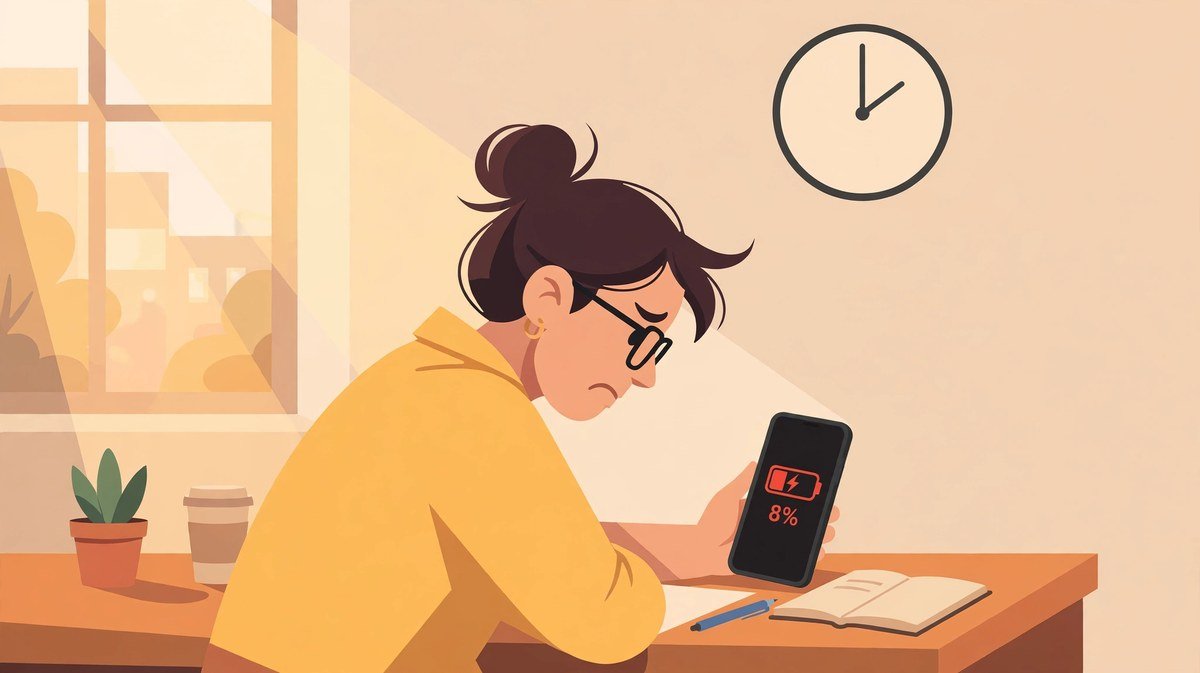
Your phone was at 90 percent this morning, and by lunch it is asking for a charger. A phone battery draining fast for no obvious reason is one of the most common phone complaints there is, and the battery itself is usually not the first suspect. Most fast drain has a specific, findable cause.
Most guides hand you a long list of random tips and hope one of them sticks. This one works in the opposite order. First you identify which kind of drain you have, because a battery that empties overnight and a battery that fades over six months are different problems with different fixes. Find your pattern, then go straight to the section that matches it.
Which Kind of Drain Do You Have?
Sudden drain: it started within the last few days. Everything was fine last week, and now the phone barely lasts half a day. This pattern almost always follows a change: a system update, an app update, or a newly installed app. The update case is so common it has its own guide: here is what to do about battery draining after a software update.
Gradual drain: the phone has slowly gotten worse over months. It used to reach the evening comfortably, and now it does not. This is the classic signature of an ageing battery that holds less charge than it used to.
Idle drain: the battery drops while you are not even using the phone. You leave it at night, and by morning a big chunk is gone, or it loses charge sitting in your pocket all afternoon. If the loss is mostly overnight, we have a dedicated guide to a phone battery draining fast overnight.
Keep your pattern in mind. Every fix below is grouped by the pattern it solves, so you can skip the sections that do not apply to you.
Why Is Your Phone Battery Draining Fast? The Main Causes
Whatever the pattern, the cause of a phone battery draining fast is almost always one of these six:
A misbehaving app: one app stuck syncing, tracking location, or refreshing in the background can out-drain everything else combined.
The screen: high brightness, a long screen timeout, and always-on displays are steady, heavy consumers.
Weak signal: in poor coverage your phone raises its radio power to hold the connection, and it does this all day without telling you.
Software updates: after a major update the phone re-indexes photos, files, and apps for a day or two, which uses real power.
Heat: batteries age faster in heat, and a hot phone also burns through charge less efficiently.
An ageing battery: after roughly two to three years of daily charging, a battery simply holds less than it did when new. No setting changes that.
Step 1: Find the Culprit in Your Battery Settings
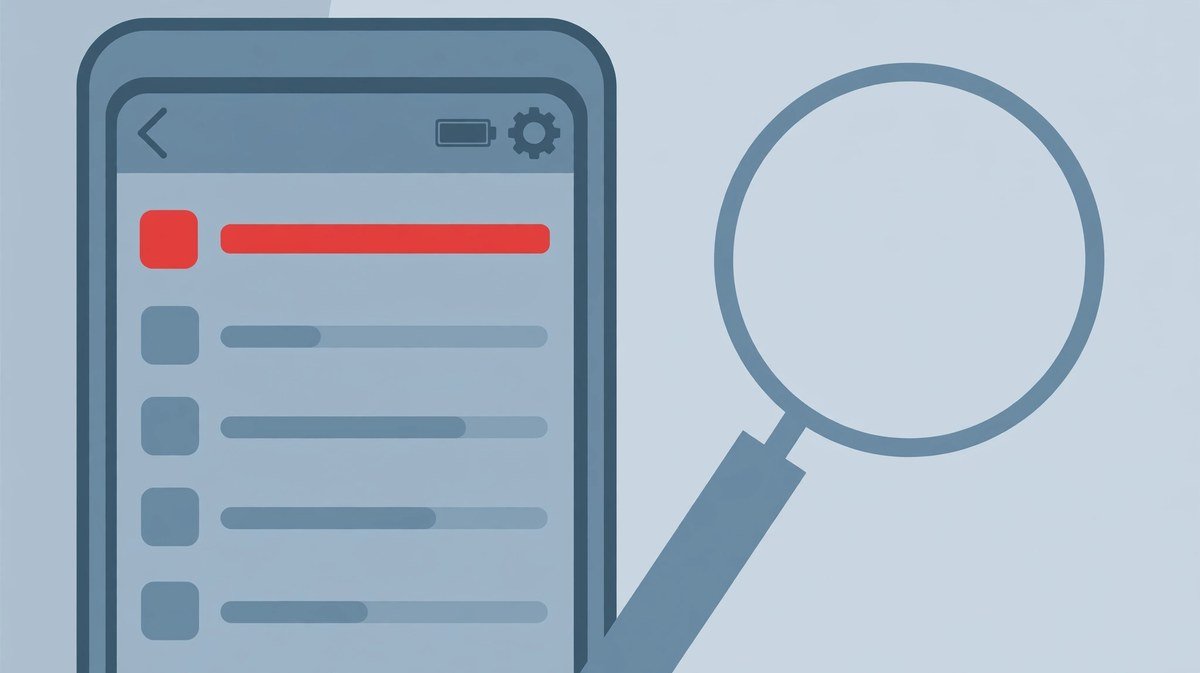
Before changing anything, let the phone tell you where the charge is going. Both systems keep a per-app record:
On Android: open Settings > Battery > Battery usage.
On iPhone: open Settings > Battery, then scroll down for the per-app list.
Look for an app whose share makes no sense compared with how little you use it, especially one with high background time. A social or shopping app you opened twice should not sit at the top of the list. If the drain began right after you installed something new, that app is suspect number one, and the detective work is the same as in our guide to an Android phone that turned slow after installing new apps.
When the top entries are system items instead and the drain started right after an update, skip to the sudden drain fixes. If nothing looks unusual but the phone is two or more years old, the gradual drain section is probably your answer. For a deeper walkthrough of that screen, see our guide to finding which app is draining your battery.
Fixes for Sudden Drain
Restart the phone. A process stuck after an update is the single most common sudden drain cause, and a restart clears it. Try this before anything else.
Update your apps, not just the system. A buggy app update can drain in the background for days. Open the Play Store or App Store and update everything pending, since developers usually patch these bugs quickly.
Give a system update 48 hours. Re-indexing and photo analysis after a major update genuinely use power, and they finish on their own. If the drain is still there after two full days, it is not settling in anymore, and one of your apps is the problem.
Restrict the culprit app. On Android, go to Settings > Apps > (the app) > Battery and choose Restricted. On iPhone, go to Settings > General > Background App Refresh and switch that app off. If the drain stops, you have found it: update it, replace it, or delete it.
Fixes for Gradual Drain: Check Battery Health
Gradual drain is about capacity, and your phone can tell you exactly how much is left.
On iPhone, open Settings > Battery > Battery Health & Charging and read the Maximum Capacity number. Below 80 percent, Apple considers the battery significantly degraded, and a replacement is the fix that actually works. Apple explains the details in its guide to charging and maintaining an iPhone battery.
On Android it varies by brand. Samsung phones offer diagnostics in the Samsung Members app, and many brands show battery information under Settings > Battery. Third-party health estimates on Android are rough guesses at best, so treat them as hints rather than facts.
Here is the honest part most guides skip: if the battery is worn, no combination of settings will bring the lost capacity back. Tweaks can slow the drain a little, but a battery at 75 percent health will still feel like a battery at 75 percent. Replacement is usually far cheaper than a new phone, and it makes the phone feel new again.
Fixes for Idle and Overnight Drain
Idle drain is the strangest version of a phone battery draining fast problem: the screen is off, you are doing nothing, and the charge still falls. Two checks separate the causes.
Run the airplane mode test. Charge the phone before bed, leave it unplugged overnight with Airplane mode on, and check the level in the morning. If it lost only a few percent, the battery hardware is fine and something is waking the phone. If it still lost a large chunk with the radios off, the battery itself is the main suspect.
Check your signal at home. If your bedroom sits in weak coverage, the phone spends the night boosting radio power. Leaving Wi-Fi calling on, or simply enabling Airplane mode overnight, removes that drain entirely.
Stop the sync storms. Cloud photo backups, email fetching, and app auto-updates can all fire at night. Set photo backups to Wi-Fi only, ideally while charging, and use your battery usage list to see which apps were active in the background.
Charging Habits That Quietly Damage Your Battery
Heat is the real enemy. Charging under a pillow, gaming while fast charging, or leaving the phone on a hot dashboard ages the battery faster than almost anything else. Heat also makes phones throttle their performance and charge slowly, which we covered in detail in our guide to a phone overheating while charging.
The 20 to 80 habit helps, but do not obsess over it. Keeping a battery away from the extremes slows ageing, so topping up during the day beats running it to zero every night. But a phone is a tool: if you need a full charge for a long day, charge it to 100 percent and do not feel guilty. We answered the full question separately: should you charge your phone to 100 percent?
Use optimized charging overnight. Instead of worrying about unplugging at the right moment, enable Optimized Charging on iPhone or Adaptive Charging on Android, and the phone finishes the last stretch of charging just before you normally wake up. And if an iPhone charges slowly even with its original cable and adapter, that is a separate fault worth checking: we walked through it in our guide to an iPhone charging slowly with the original cable.
Be careful with cheap chargers. Poorly made chargers deliver inconsistent power and run hotter. A certified charger from a known brand costs a little more and is much kinder to the battery over years of nightly use. One related fault deserves its own mention: if the percentage drops even while the phone is plugged in, read our guide to a phone battery draining while charging.
When It Is Time to Replace the Battery
Settings and habits have their limits. Replacement is the right call when:
- Battery health reads below 80 percent.
- The phone shuts down while still showing 20 or 30 percent remaining.
- The fast drain survives a factory reset.
- The back panel is lifting or the battery looks swollen. Stop using the phone and have this checked promptly, because a swollen battery is a safety issue, not just an inconvenience.
For most phones, a battery replacement costs a fraction of a new device and restores the all-day battery life you remember.
Frequently Asked Questions
Why is my phone battery draining so fast all of a sudden?
Almost always a recent change: a system update still settling in, a buggy app update, or a newly installed app working in the background. Restart first, then check Settings > Battery to see which app is responsible.
Why does my battery drain when I am not using my phone?
Background activity and weak signal are the usual pair. Apps refresh and sync while the screen is off, and in poor coverage the phone boosts its radio power all night. The airplane mode test in this guide separates the two causes in a single night.
Does fast charging damage the battery?
Speed itself is not the main problem; heat is. Fast charging generates more heat, so use it when you are in a hurry and let the phone charge somewhere cool. A standard charger overnight, with optimized charging on, is the gentlest routine.
Can a virus drain my phone battery?
It can on Android, where a rogue app can run constantly in the background. Warning signs are unknown apps you never installed, pop-ups appearing outside the browser, and drain that started for no clear reason. Remove the suspicious apps and run a Play Protect scan from the Play Store.
How long does a phone battery last before it needs replacing?
Typically two to three years of daily charging before capacity falls near 80 percent. Heavy use, heat, and constant fast charging can shorten that; gentler habits can stretch it.
The Bottom Line
A phone battery draining fast feels like a phone on its last legs, but most of the time it is one findable cause: a stuck process, a greedy app, a weak signal at home, or a battery that has honestly worn out. Match the fix to the pattern, start with the battery usage screen, and only pay for a replacement when the health number says you need one.
3 thoughts on “Why Is My Phone Battery Draining So Fast? Causes and Fixes”