

You installed the update last night, and today your battery is dying by noon. Battery draining after a software update is one of the most common phone complaints there is, and it triggers the same worry every time: has this update ruined my phone?
Almost always, the answer is no. What you are seeing is usually temporary, and this guide explains what the phone is doing, how long the rough patch legitimately lasts, and the point at which you should stop waiting and start fixing.
Why Updates Temporarily Drain Your Battery
A major update is not just a new coat of paint. Underneath, the phone spends the next day or two doing heavy housekeeping:
Re-indexing everything. Photos, files, messages, and media libraries get re-scanned and re-catalogued so search and galleries work with the new system. On a phone with years of photos, this is real work.
Re-optimising every app. The system rebuilds how each app runs under the new version, often while the phone is idle and charging, which still costs energy.
Rebuilding caches. The temporary data apps rely on gets cleared or rebuilt, so apps work harder the first several times you open them.
Switching on new defaults. Updates sometimes enable new features by default: a brighter always-on display, a new AI feature, a different network mode. Those keep drawing power long after the housekeeping ends, which is why some post-update drain does not fade on its own.
How Long Is Normal?
For most phones, the settling period lasts about 24 to 72 hours, or a few full charge cycles. The phone may also feel slightly warm during this window. That is the housekeeping, not damage.
Here is the decision point most guides leave out: if the battery is still draining noticeably faster after three full days, stop calling it settling-in. Something specific is wrong, usually one app misbehaving under the new system, and it is fixable.
What to Do in the First 48 Hours
Restart the phone once. If you have not restarted since the update finished, do it now. Stuck processes from the installation are common and a restart clears them.
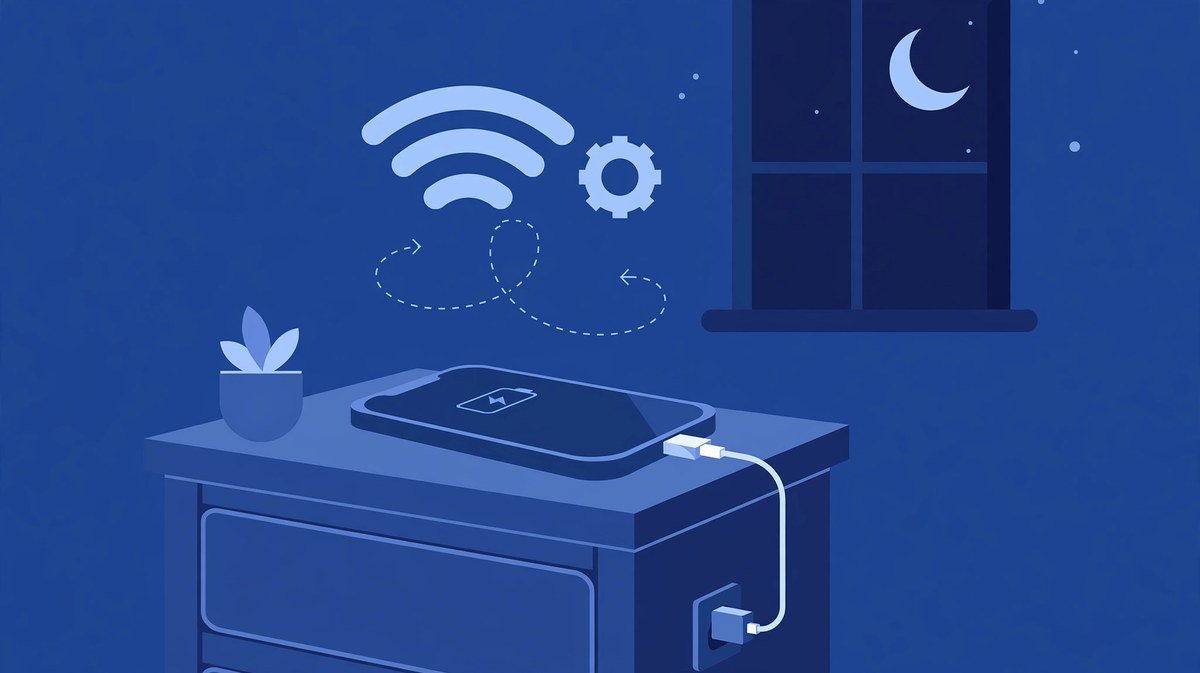
Give it one plugged-in night on Wi-Fi. Much of the background work is designed to run while the phone is charging and connected to Wi-Fi. Leaving it plugged in overnight lets the phone finish re-indexing and optimising in one go instead of spreading the cost across your day.
Update all your apps. App developers release compatibility fixes right after major system updates. An app built for the old version can loop, crash, and retry in the background under the new one, and its update is often the whole fix.
If It Is Still Draining After 3 Days
Find the app responsible. Open Settings > Battery and look for the app whose usage makes no sense since the update. Our full guide to which app is draining your battery shows how to read that screen properly, including the background-time clue that gives culprits away.
Wipe the cache partition (Android). Outdated system cache from the old version can conflict with the new one. Clearing the cache partition from recovery mode removes temporary system files without touching your data, apps, or photos.
Check the new defaults. Look for features the update switched on: always-on display brightness, 5G where it used to be optional, new AI or personalisation features, and expanded location access. Turn off anything you did not ask for.
Consider a settings reset before a factory reset. Resetting all settings (without erasing data) clears out corrupted preferences while keeping your apps and files. A full factory reset is the last resort: it does fix stubborn post-update drain, but only do it with a complete backup, and restore your apps gradually so you can spot a bad one if the drain returns.
This pattern has a close cousin, by the way: the same update that drains a battery often slows the phone down for a few days. The causes overlap, and our guide to an Android phone that turned slow after installing new apps covers the performance side of the same detective work.
When the Update Genuinely Broke Something
Rarely, a release does ship with a real battery bug that no amount of waiting fixes. The honest way to tell: check whether other owners of your exact model are reporting the same thing on the manufacturer’s official community or support pages. If it is a known issue, the fix arrives as a small follow-up patch, usually within weeks, and the practical move is to install patches promptly rather than chase workarounds.
What not to do: install unofficial downgrade files or tools promising to roll back the update. On modern phones downgrading is usually blocked, risky, and unnecessary, because the follow-up patch is nearly always the safer path.
Frequently Asked Questions
Should I avoid software updates to protect my battery?
No. Updates carry security fixes that matter far more than a few days of heavier drain. The settling period is temporary; the security holes an unpatched phone carries are not.
Why is my phone warm after an update?
Because it is working: re-indexing libraries, optimising apps, and rebuilding caches are processor-heavy jobs. Warmth during the first day or two is expected. Warmth plus heavy drain still present after three days deserves the checks in this guide.
Will the next patch fix my battery drain?
If your drain comes from a genuine bug in the release, yes, that is exactly what follow-up patches address. If the drain comes from one of your apps, the app’s own update is what fixes it, which is why updating everything comes first.
Does a factory reset fix battery drain after an update?
Often, yes, because it removes every leftover conflict at once. But it is the last resort, not the first step: most post-update drain is fixed by a restart, app updates, or restricting one culprit app, with far less disruption.
The Bottom Line
Battery draining after a software update is normally your phone doing days of housekeeping in the background, and it should settle within about three days. Restart once, give it a plugged-in night on Wi-Fi, and update your apps. If day three still looks bad, treat it as a fault with a specific cause, find the app responsible, and work through the checks above. And if you want the complete picture of fast drain in all its forms, our pillar guide to why a phone battery is draining so fast covers every pattern, not just the post-update one.
1 thought on “Battery Draining Fast After a Software Update? Here Is What to Do”