
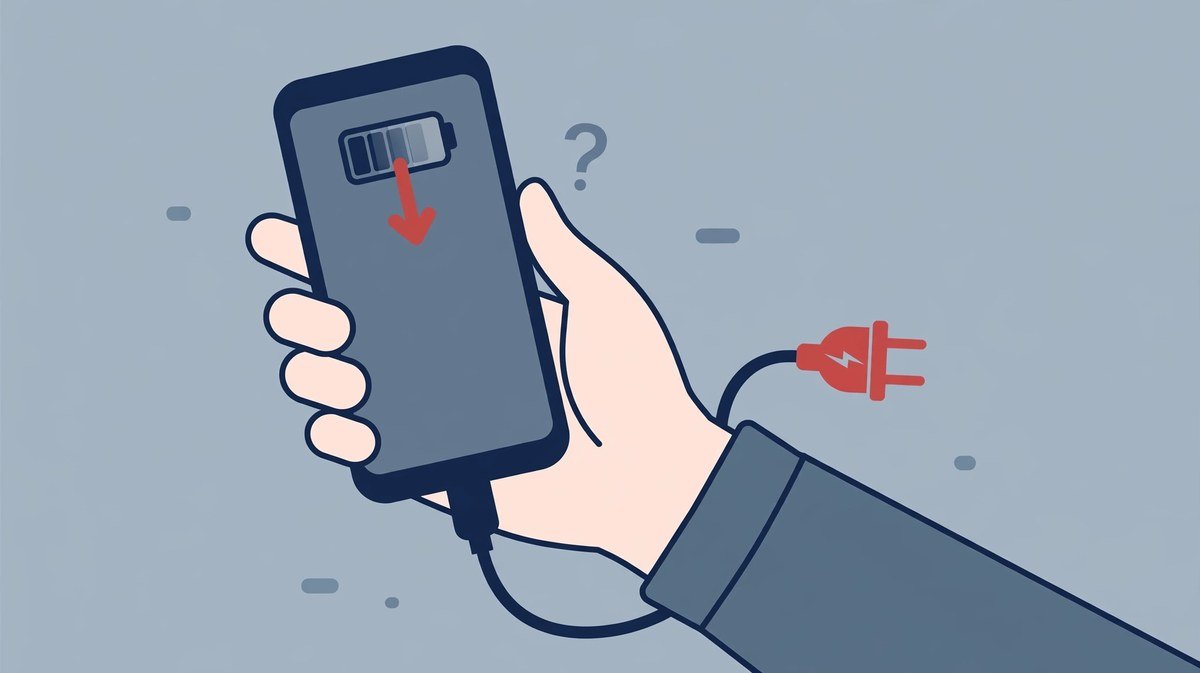
It sounds impossible until you watch it happen: the phone is plugged in, the charging icon is showing, and the battery percentage is going down anyway. A battery draining while charging feels like a broken phone, but it is usually simple physics. Charging is a race between power coming in and power being used, and right now, usage is winning.
Work through the test and the four causes below, and you will know which side of that race to fix.
First, the Two-Minute Test
Plug the phone in, note the exact battery percentage, lock the screen, and leave it completely alone for 15 minutes. Then check the percentage again.
If it climbed normally: your charger and cable can deliver power. The drain only happens while you use the phone, which points at Cause 2 below.
If it barely moved or fell even while untouched: the problem is on the power-in side: the charger, the cable, the port, heat, or the battery itself. Start with Cause 1.
Repeat this same 15-minute test after each change you make. One change at a time, measured the same way, is what turns guessing into diagnosis.
Cause 1: The Charger or Cable Cannot Keep Up
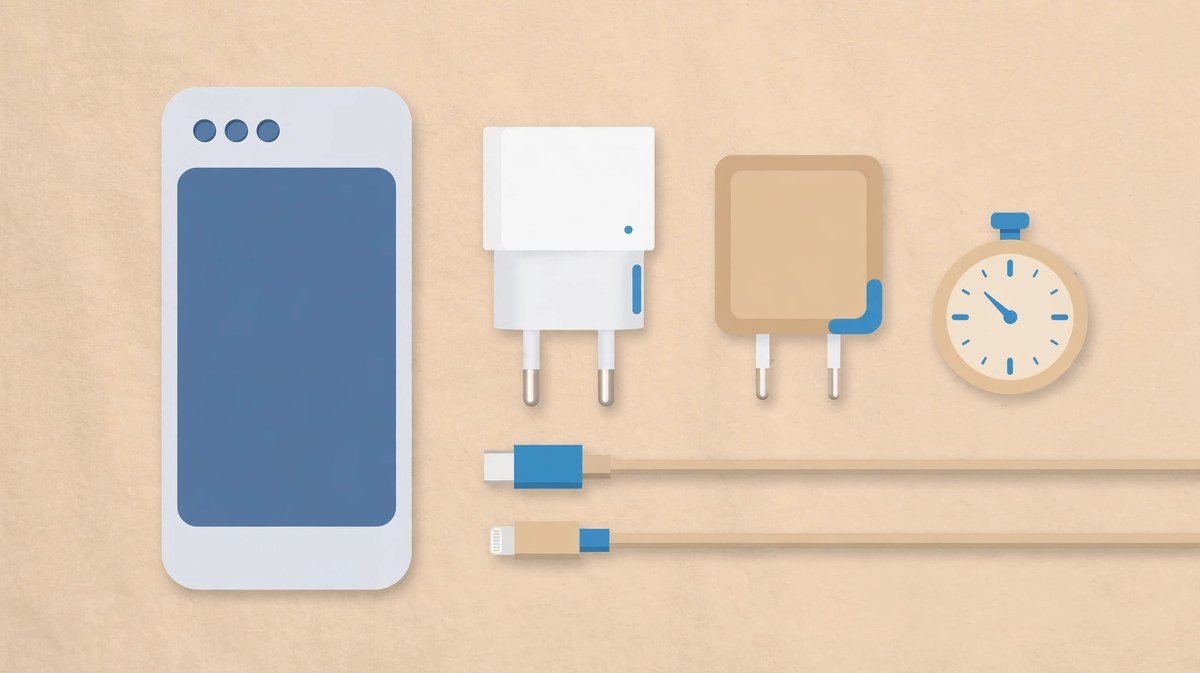
This is the most common culprit, and the cheapest to fix. A worn-out cable, a low-powered old charger, or a laptop USB port may deliver so little power that a modern phone, with its big screen and always-connected radios, uses it faster than it arrives.
Swap the charger for a known good one from a reputable brand, ideally the type your phone was designed for, and rerun the 15-minute test. If the numbers recover, swap only the cable next to find out which half was guilty. If the cable feels loose in the port or only works at an angle, read Cause 4 as well.
For iPhone owners, this fault has a close relative we have already covered in depth: an iPhone charging slowly with its original cable and adapter. And if your Android shows the charging symbol yet the percentage never moves at all, that specific fault has its own guide: our walkthrough of an Android phone not charging but showing the charging symbol.
Cause 2: You Are Using More Than the Charger Delivers
Gaming, turn-by-turn navigation with the screen at full brightness, video calls, and using the phone as a hotspot are all heavy loads. On a modest charger, any one of them can outrun the incoming power, especially in weak signal areas where the radio works harder.
The test already told you if this is your story: the phone charges fine when left alone and loses ground only while in use. The fixes are habits, not repairs: let it charge in peace for the heavy sessions, use a proper fast charger for top-ups during the day, and avoid gaming plugged into a weak charger, which combines maximum load with maximum heat.
Cause 3: Heat Slows Charging on Purpose
Phones protect themselves. When the battery gets too warm, the system deliberately slows or pauses charging until the temperature falls, so a phone charging in a hot car, under a pillow, or inside a thick case while gaming can sit at the same percentage for an hour.
This is a feature working as designed, and we covered the full picture in our guide to a phone overheating while charging. The short version: move the phone to a cool, hard surface, take the case off while charging, and keep it out of direct sun. Then rerun the test.
Cause 4: A Dirty or Damaged Port
Charging ports collect pocket lint, and a packed port stops the cable seating fully, which strangles the power flow to a trickle. Shine a light into the port: if you see compacted grey fluff, that is likely your whole problem. Power the phone off and ease the lint out gently with a wooden toothpick, never anything metal, and never anything sharp enough to bend the contacts.
A port that is clean but wobbles, or a cable that connects and disconnects when the phone moves, suggests worn contacts instead. That one is a repair-shop fix, and it is worth doing: it only gets worse.
When the Battery Itself Is Failing
If the charger, cable, port, and temperature all check out and the phone still cannot gain charge while idle, suspicion moves to the battery. The supporting evidence usually shows up alongside: percentages that jump around, shutdowns with charge supposedly remaining, a phone that is two or three years old with a health reading under 80 percent, or in the serious case, a swelling battery pushing the back panel up. A swollen battery means stop using the phone and get it serviced.
For the wider picture of fast drain in all its forms, including how to check battery health on both platforms, our complete guide to why a phone battery is draining so fast is the place to start.
Frequently Asked Questions
Why does my battery percentage go down while the phone is plugged in?
Because the phone is using power faster than the charger supplies it. Either the incoming power is too weak (charger, cable, port, or heat throttling) or the outgoing load is too high (gaming, navigation, hotspot). The 15-minute untouched test in this guide tells you which side is at fault.
Is it bad to use my phone while it is charging?
It is not dangerous with proper equipment, but heavy use while charging slows the charge and generates heat, which ages the battery faster over time. Light use is fine; long gaming sessions on a weak charger are the combination to avoid.
How fast should my phone charge?
On a suitable charger, you should see the percentage climb steadily within minutes, and most modern phones gain a solid chunk within 15 to 30 minutes. If a quarter of an hour of untouched charging produces no visible gain, something in this guide applies to your phone.
Can a cheap cable really cause draining while charging?
Yes. A damaged or poorly made cable can pass so little current that the phone’s basic idle activity outpaces it. This is why the swap test exists: borrow a known good cable before you blame the phone.
The Bottom Line
A battery draining while charging is a race your phone is losing, and races have two sides. Test it untouched for 15 minutes: if it cannot gain while idle, work through the charger, cable, port, and heat. If it only loses while you use it, the load is the problem and the charger needs to be stronger or the phone needs to rest. Change one thing at a time, retest the same way, and the cause usually identifies itself within half an hour.