
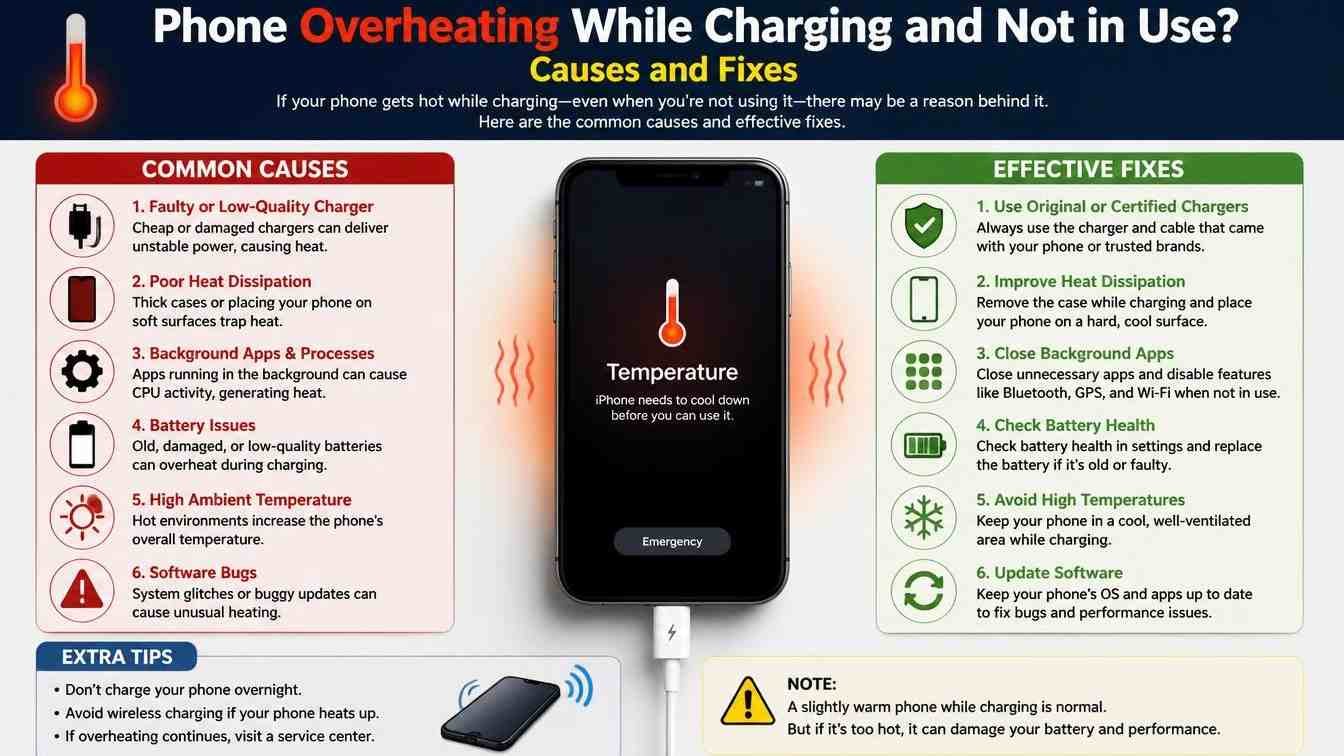
A phone that gets hot while charging can be confusing, especially when the screen is off and you are not using any apps. You might leave it on your nightstand for a while, come back to check the battery, and notice that the back feels much warmer than expected.
Some warmth during charging is normal. Your phone uses energy to recharge its battery and may continue running background tasks even when you are not touching it. However, excessive or repeated heat can point to a charging problem, demanding background activity, poor ventilation, or a battery issue.
The key is to understand how hot the phone gets, when the heat starts, and whether other warning signs appear. Here is how to narrow down the cause and what you can do about it safely.
First, Is Your Phone Warm or Actually Overheating?
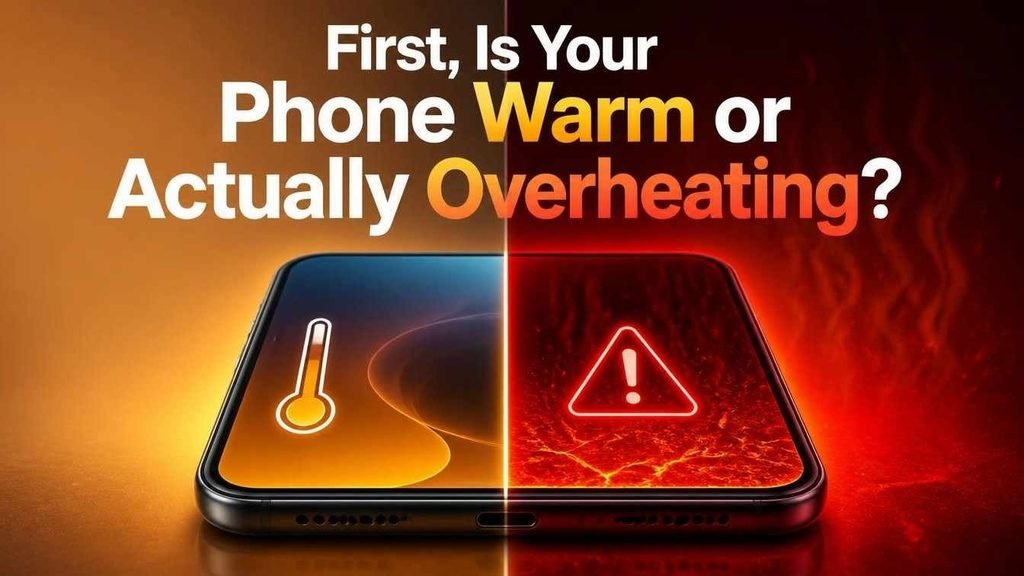
Before changing settings or replacing your charger, consider how the phone behaves during charging.
A slightly warm phone that continues charging normally and cools down afterward is usually less concerning than one that becomes extremely hot, repeatedly pauses charging, or displays a temperature warning.
Charging speed, room temperature, wireless charging, and the phone’s current workload can all affect how much warmth you notice. There is no single temperature threshold that applies to every smartphone, so follow your manufacturer’s guidance rather than relying on touch alone.
Pay attention to these warning signs:
- Your phone displays a temperature warning or stops charging because of heat.
- The device becomes unusually hot even when left idle.
- Charging repeatedly pauses or becomes much slower than usual.
- The battery area appears swollen or the screen starts lifting away from the frame.
- You notice smoke, an unusual chemical smell, or visible damage around the battery or charging equipment.
Why Does a Phone Get Hot While Charging and Not in Use?
Several things can cause this problem, and the fact that your screen is off does not necessarily mean the phone is doing nothing. Start with these possibilities before assuming the battery is damaged.
1. Background Apps Are Using More Power Than Expected
Your phone can continue working after you lock the screen. Apps may sync files, download updates, upload photos, refresh information, or complete other tasks in the background.
Usually, these activities are harmless. The problem can arise when an app gets stuck, repeatedly attempts a task, or consumes more resources than expected. Charging adds another source of heat, making the phone warmer than it would be otherwise.
For example, if your phone becomes hot after installing a new app or restoring a photo backup, that activity may explain the timing.
2. Fast Charging Is Producing More Heat
Fast charging is convenient when you need to recharge quickly, but transferring energy into a battery is not perfectly efficient. Some energy becomes heat.
This can make a phone feel warm even when it is sitting untouched on a desk. The effect may be more noticeable when the battery is low and the phone is charging rapidly.
Wireless charging can also generate heat. Poor alignment between the phone and charging pad, or an unsuitable case, may make the process less efficient.
A little warmth does not automatically mean fast charging is damaging your battery. However, if the phone repeatedly becomes excessively hot, try a compatible standard-speed charging option if your device supports one.
Also Read: Android Phone Not Charging but Charging Symbol Showing? How to Fix It
3. Your Charger, Cable, or Charging Port Has a Problem
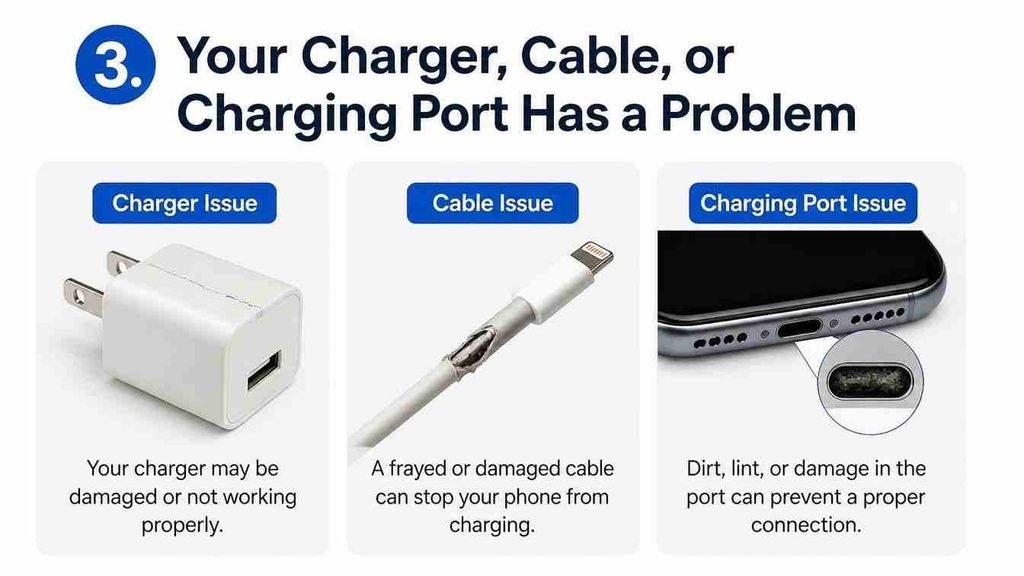
A damaged cable, incompatible adapter, or charging-port issue deserves attention, particularly if the heat is concentrated around the connector rather than spread across the back of the phone.
Look for visible cable damage, bent connectors, loose connections, or charging warnings. Moisture and debris inside a port can also interfere with safe charging.
Do not insert metal tools or other objects into the charging port to clean it. If your phone displays a moisture or debris warning, follow the manufacturer’s instructions instead of repeatedly reconnecting the cable.
Try a known-good, compatible charger and cable only after the phone has cooled and you have ruled out signs of battery damage. If the connector or adapter becomes unusually hot, stop using that accessory.
4. Your Phone Cannot Release Heat Properly
Where you charge your phone matters more than you might think.
A phone placed on a pillow, underneath a blanket, or between cushions may struggle to release heat. A thick case can also make heat dissipation less effective in some situations.
The room itself matters, too. A phone charging beside a sunny window or in a hot environment has less opportunity to cool down.
5. The Battery Is Aging or Has Developed a Fault
Smartphone batteries gradually lose capacity with use. An older battery may not perform as well as it did when the phone was new.
However, age alone does not prove that the battery is responsible for overheating. A software issue, charging accessory, or environmental factor may produce similar symptoms.
Pay attention to the overall pattern. Does the phone heat up during nearly every charging session? Does its battery percentage drop unusually quickly when unplugged? Does charging stop unexpectedly or does the phone shut down?
6. A Software Update or System Task Is Running
Phones sometimes work harder than usual after a major operating system update, a data transfer, or a backup restoration.
That activity can continue while the screen is off. You might notice the phone getting warmer shortly after an update, even though you have not opened any demanding apps.
If the heat began after an update and gradually settles down, temporary background processing may be responsible.
If it continues for days, repeatedly triggers temperature warnings, or comes with rapid battery drain, investigate further. Check for pending updates, review battery usage, and restart the phone once it has cooled.
How to Fix a Phone That Overheats While Charging
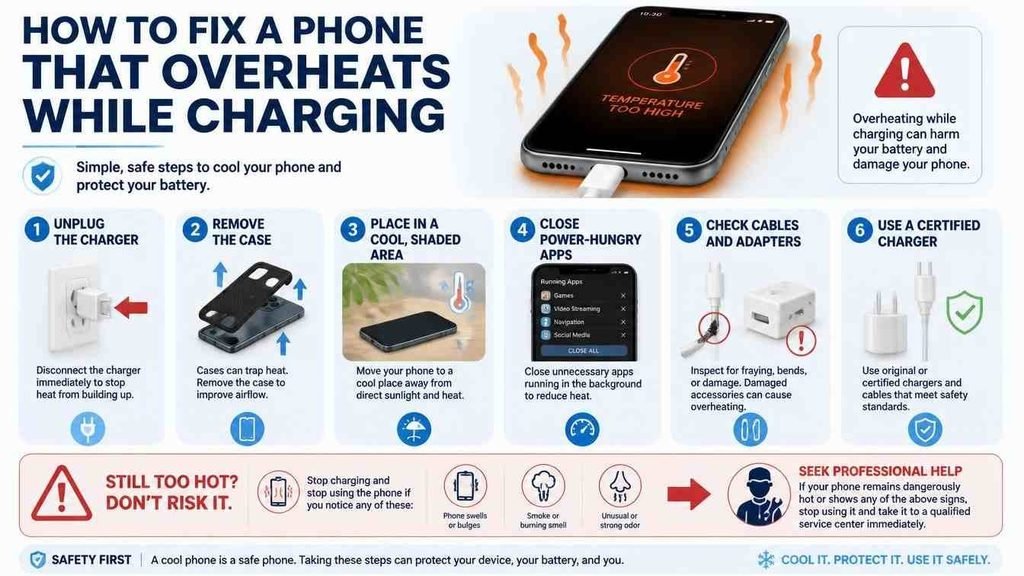
Once the phone is safe to handle, use this order to narrow down the cause.
Step 1: Stop Charging if the Heat Seems Excessive
Move it away from direct sunlight and let it cool naturally on a dry, stable surface.
If the phone is swollen, smoking, or visibly damaged, do not handle or charge it unnecessarily. Seek professional guidance.
Monitor it and follow any temperature warnings shown by the device.
Step 2: Check the Charging Setup
Inspect the adapter and cable for damage
Step 3: Review Battery Usage
Open your battery settings and examine recent usage. Depending on your phone, you may be able to see which apps consumed the most power over the last several hours or days.
Look for unexpected activity from recently installed apps, backup services, or apps that keep running in the background.
Restrict unnecessary background activity where appropriate. If a particular app appears to be responsible, update it or temporarily remove it to test whether the heat improves.
Step 4: Restart the Phone
A restart can stop a temporary software process that is behaving abnormally.
Do this only after the device has cooled sufficiently. Once it restarts, leave the screen off and observe what happens during the next normal charging session.
If the problem returns immediately, a simple restart has not resolved the underlying cause.
Step 5: Update the Software
Updates sometimes correct bugs that cause unusual battery consumption or background activity.
Avoid starting a major update while the device is already overheating.
Is It Safe to Leave Your Phone Charging
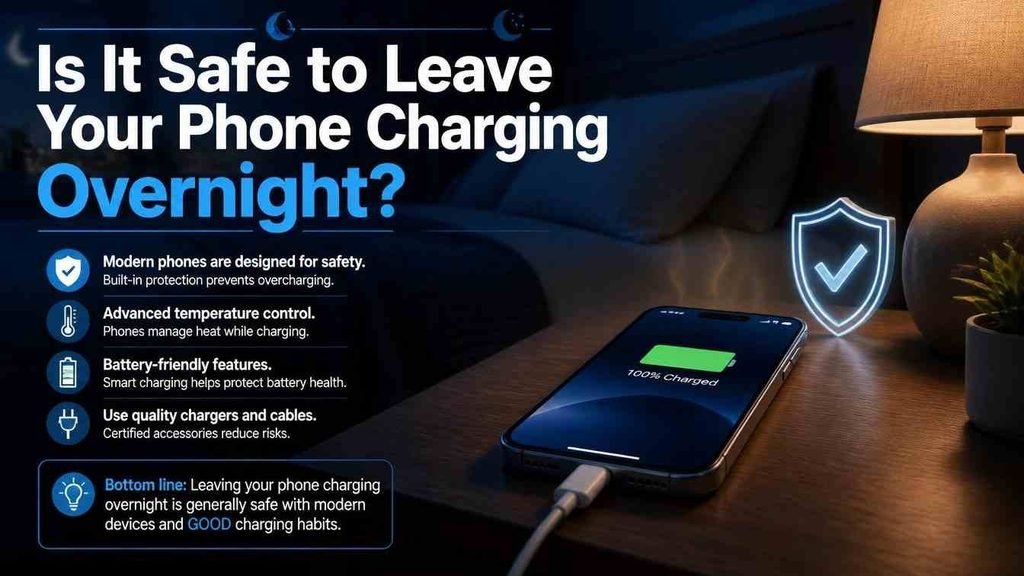
For many modern smartphones, overnight charging is supported when the device, charger, and charging environment are in good condition. However, a phone that repeatedly overheats should not be left charging unattended until the cause has been addressed.
Follow these precautions:
- Charge the phone on a firm, uncovered surface rather than on a bed or under a pillow.
- Use a compatible, undamaged charging adapter and cable.
- Enable optimized or adaptive charging features if your device offers them.
- Investigate repeated temperature warnings instead of treating them as normal.
When Should You Get Your Phone Checked?
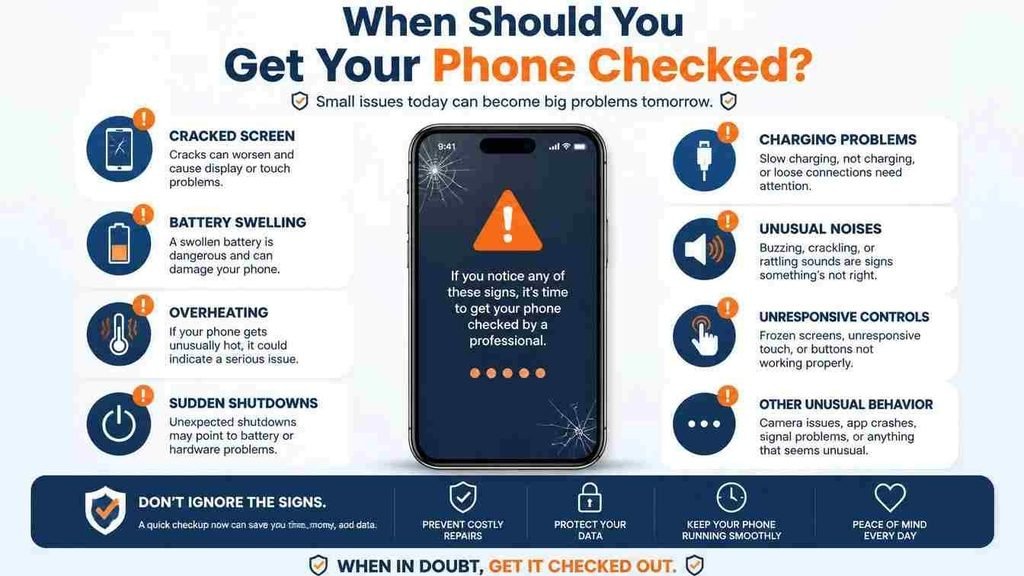
If the phone keeps overheating even after you have tried a compatible charger, improved ventilation, restarted the device, and checked background activity, it may need professional attention.
Arrange a repair or manufacturer assessment if you notice:
- Repeated overheating during ordinary charging.
- Unexpected shutdowns or persistent charging interruptions.
- A battery that drains unusually quickly alongside excessive heat.
- A damaged charging port or connector.
- A swollen battery or a screen that is lifting away from the frame.
A swollen battery requires particular caution. Do not press the screen back into place, puncture the battery, or attempt a DIY replacement.
Final Thoughts
fast charging, poor ventilation, and software problems can all contribute to excess warmth.Start by checking for safety warnings, inspecting your charging accessories, reviewing battery usage, and charging in a cooler environment. If the heat keeps returning or you notice signs of battery damage, get the phone inspected instead of continuing to experiment with fixes.
3 thoughts on “Phone Overheating While Charging and Not in Use? Causes and Fixes”